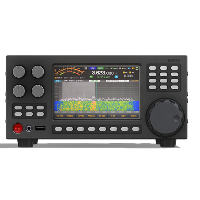





ERMAK-TT test firmware updates
Last modified by UT2UK on 2026/11/16 18:04
ERMAK-TT test firmware updates
How to check and install firmware updates over the network. Release notes for each test version are listed below.
How to check for firmware updates
- Connect the transceiver to an Ethernet network with Internet access.
Long press the button 1. The window with transceiver information (HW info) opens.
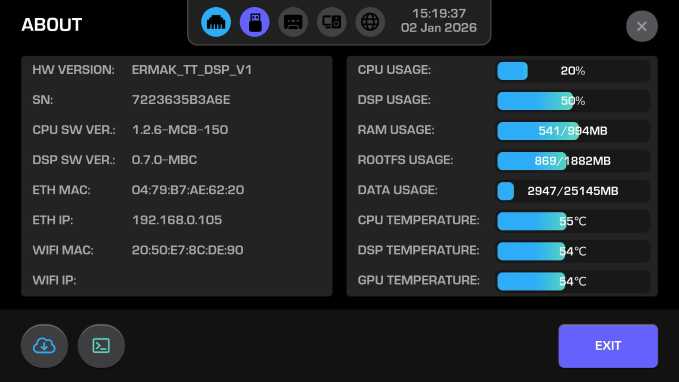
- Press the button

Follow the instructions on the screen:
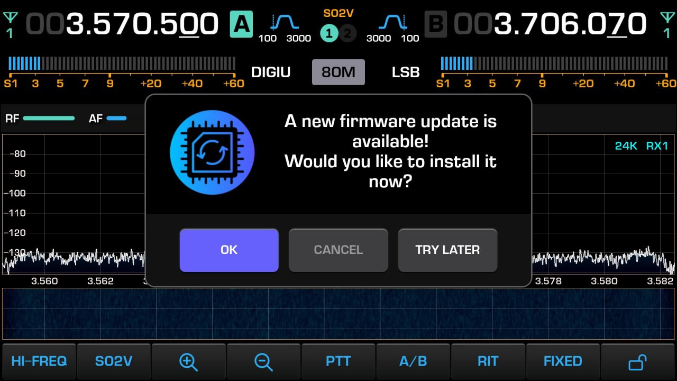
- Wait about 5 minutes. The transceiver restarts automatically.