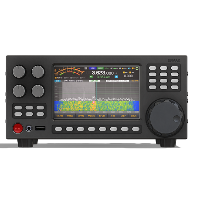





Changes for page ERMAK-TT test firmware updates
Last modified by UT2UK on 2026/01/03 13:09
Summary
-
Page properties (1 modified, 0 added, 0 removed)
Details
- Page properties
-
- Content
-
... ... @@ -1,6 +1,10 @@ 1 1 == How to check FW updates: == 2 2 3 -* Go to HW info page (from menu of long press button {{html}}<span style="border-radius:4px;font-size:100%;font-weight:bold;background-color:#007bff;" class="badge bg-info">1</span>{{/html}} ) 3 +* Connect the transceiver to an Ethernet network with Internet access. 4 +* Go to** HW info **page (from menu of long press button {{html}}<span style="border-radius:4px;font-size:100%;font-weight:bold;background-color:#007bff;" class="badge bg-info">1</span>{{/html}} ) 5 + 6 +[[image:1767367210296-714.jpeg||height="382" width="679"]] 7 + 4 4 * Push button [[image:image2024-12-28_12-39-8.png||height="18" width="23"]] 5 5 * Follow the instructions: 6 6