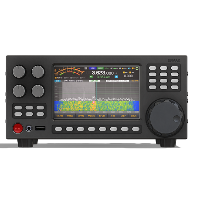





To go to the BACKLIGHT window, you need to long press the button 2
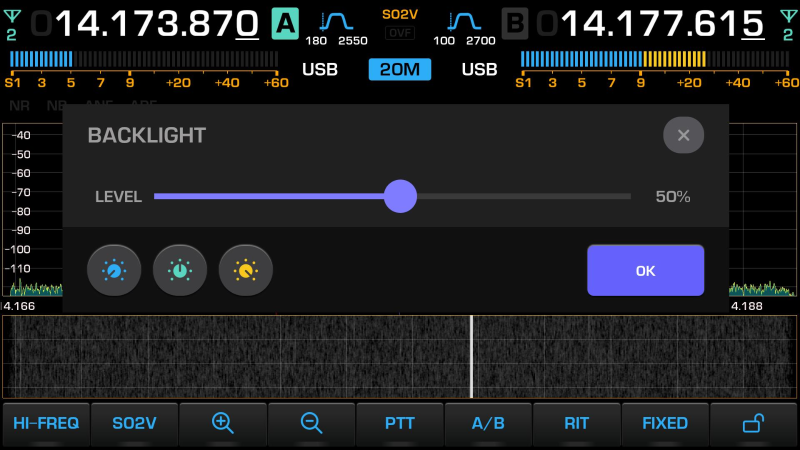
To exit the BACKLIGHT window, press the button{html}}<span style="border-radius:4px;font-size:100%;font-weight:bold;background-color:#007bff;" class="badge bg-info">OK</span>{{/html}} or X
Operational brightness adjustment is carried out by an encoder MF или используя тачскрин
To quickly switch to preset brightness values, press:
- LOW-5%

- MEDIUM-50%

- HIGH-95%

Long press of the corresponding button - saves the current brightness value in this preset.