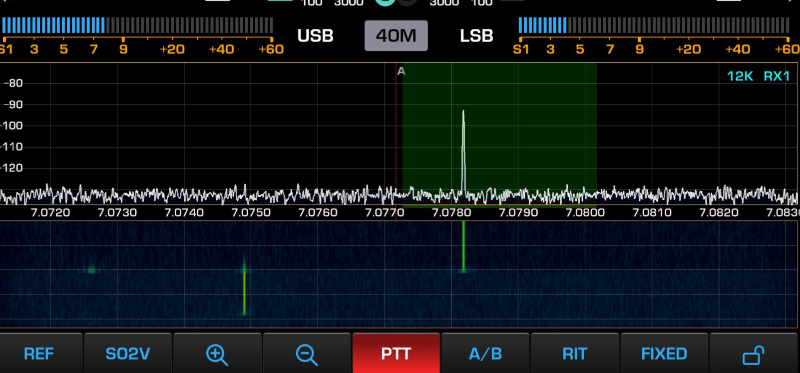



TX settings window
Last modified by UT2UK on 2026/11/16 18:02
TX settings window
How to open the TX settings window and adjust the output power and other transmitter parameters.
To open the TX settings window, press the encoder RF
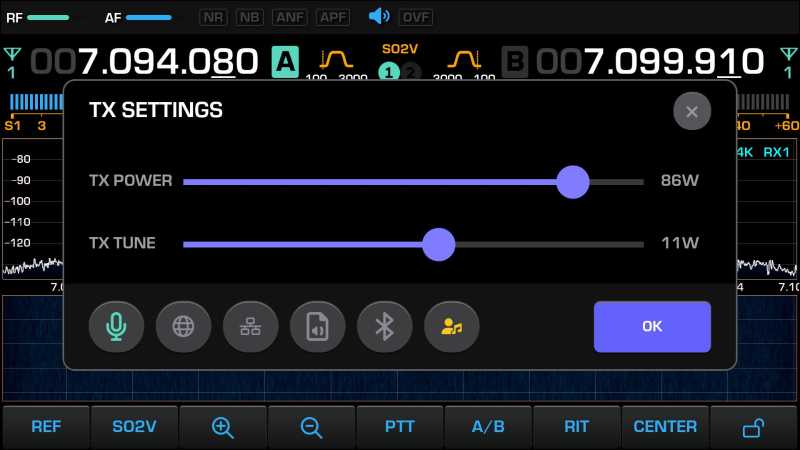
To close the window, press the encoder RF again or press the button OK / X
Transmitter signal source
At the bottom of the window, select the input signal source. There are five sources:
Each input has its own button: 
The button  turns the monitor audio on and off during transmit.
Transmit mode
To start or stop transmit, short press the button PTT
During transmit, the PTT button turns red: 
During transmit:
- set the output power with the encoder RF
- set the monitor volume with the encoder AF
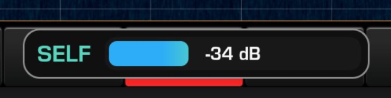
A power control appears at the bottom of the display:
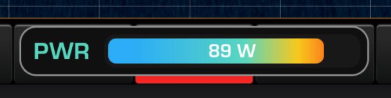
or a monitor level control:
Tone tune mode
To turn on tone tune mode, long press the button PTT
The tone frequency in this mode is 1 kHz.