




TX settings window
Last modified by UT2UK on 2026/03/02 09:21
To enter the transmit path operational settings mode, press the encoder RF
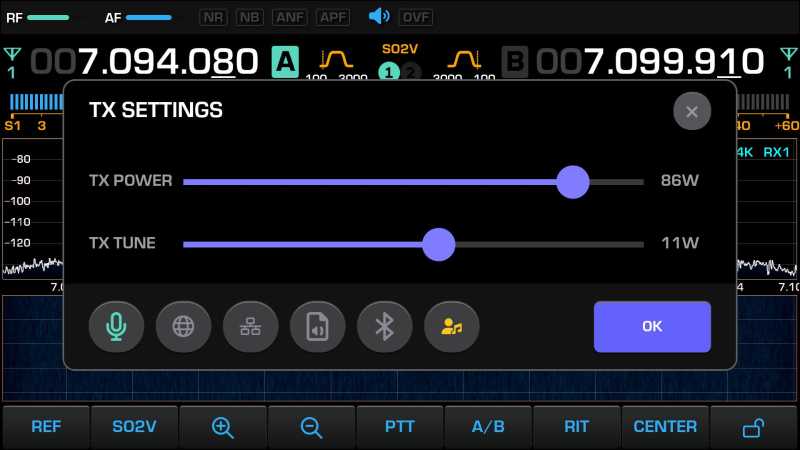
To exit the window, press the encoder RF again or press the buttons OK / X
At the bottom of the on-screen menu, you can select one of five input signal sources:
Each input has its own mnemonic button 
The button  controls enabling/disabling audio monitoring in transmit mode.
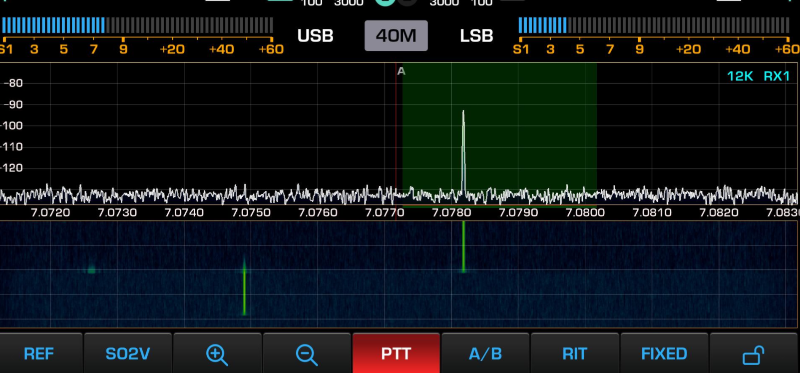
Switching to transmit mode and exiting it is performed by a short press of the PTT button
After entering PTT transmit mode, the button changes its color to red 
- Operational output power adjustment in transmit mode is performed using the RF encoder
- Operational monitoring volume adjustment in transmit mode is performed using the AF encoder
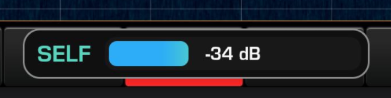
In this mode, a dynamic power level control appears at the bottom of the display:
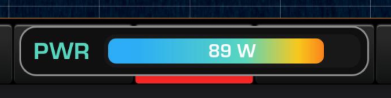
or a monitoring level control:
Switching to tone tuning mode is performed by a LONG press of the PTT button
The tone carrier frequency in this mode is 1 kHz